Navigation
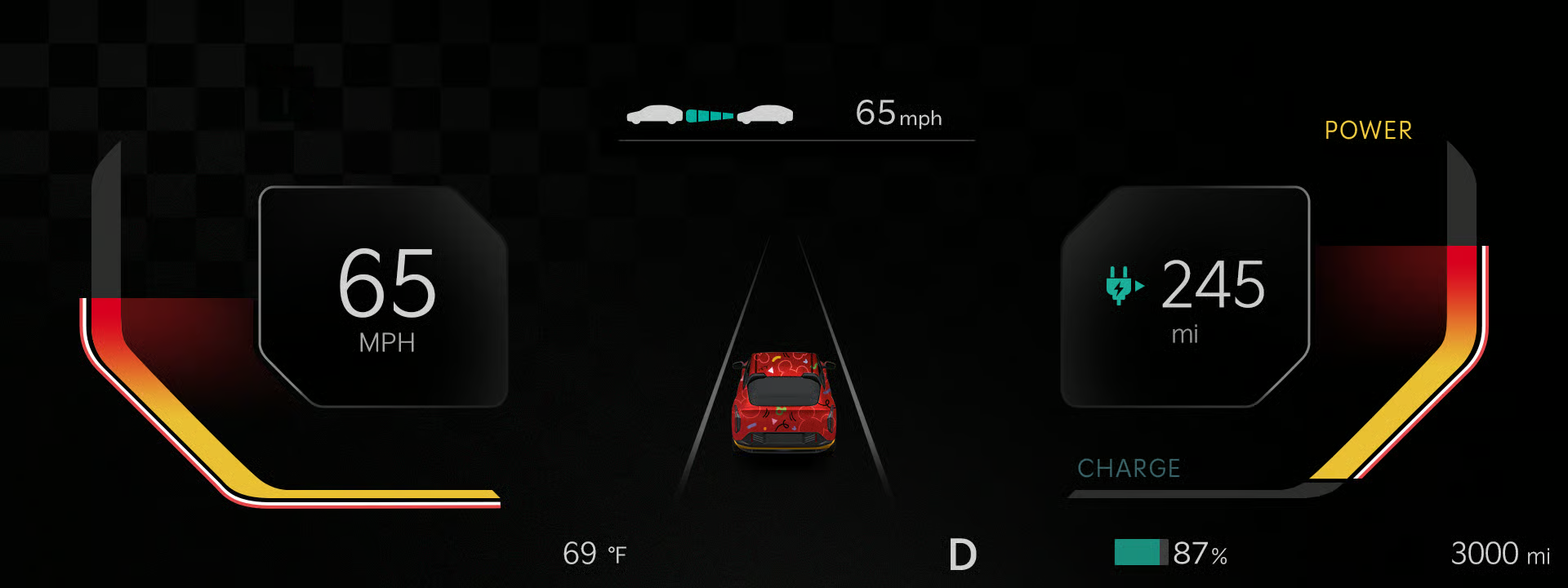
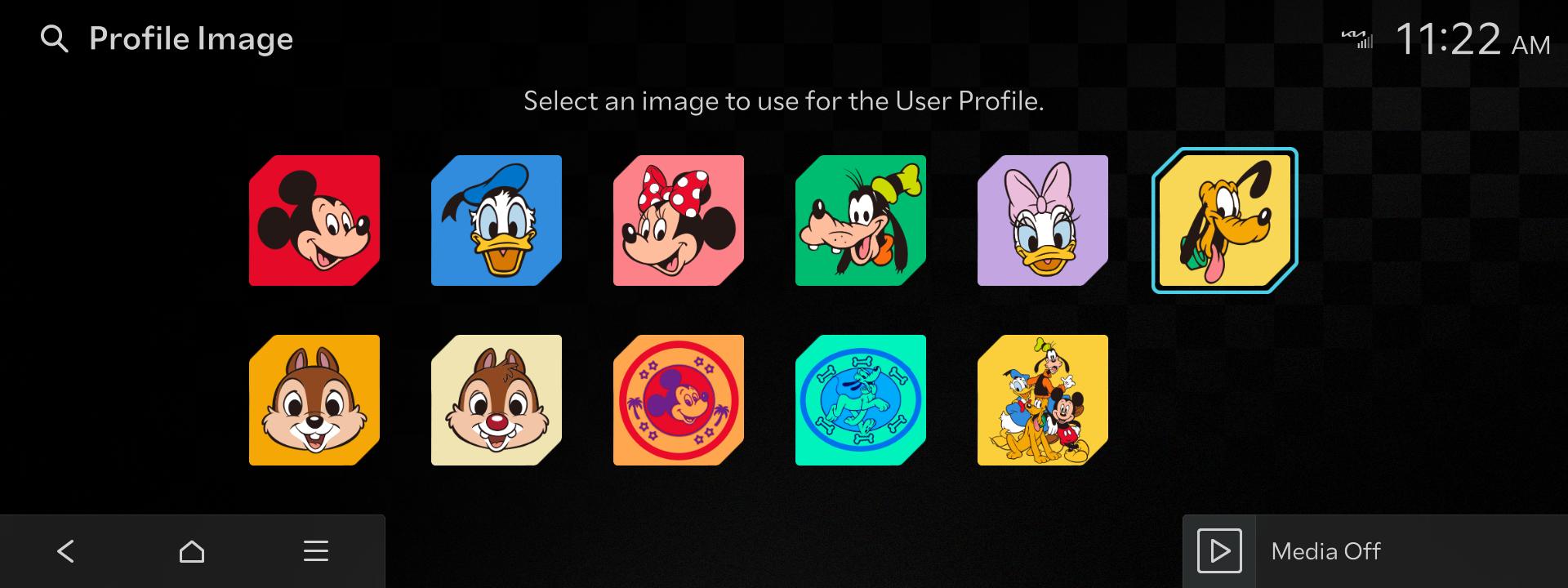
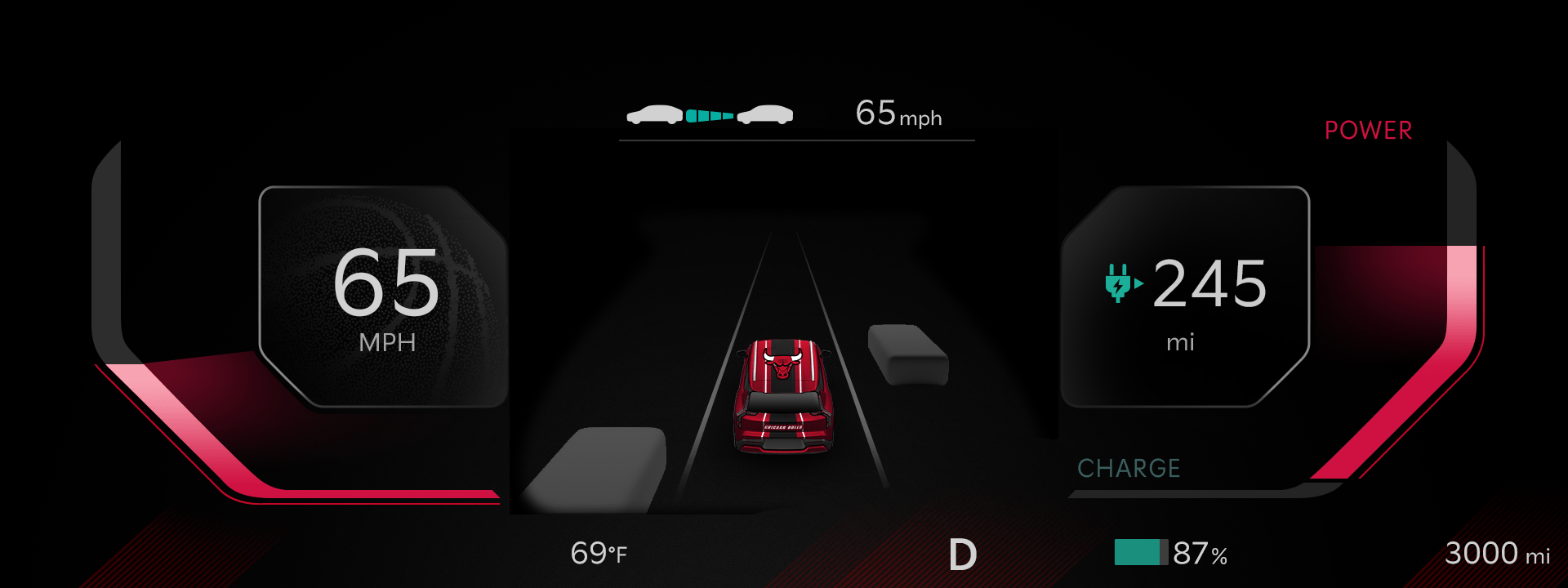
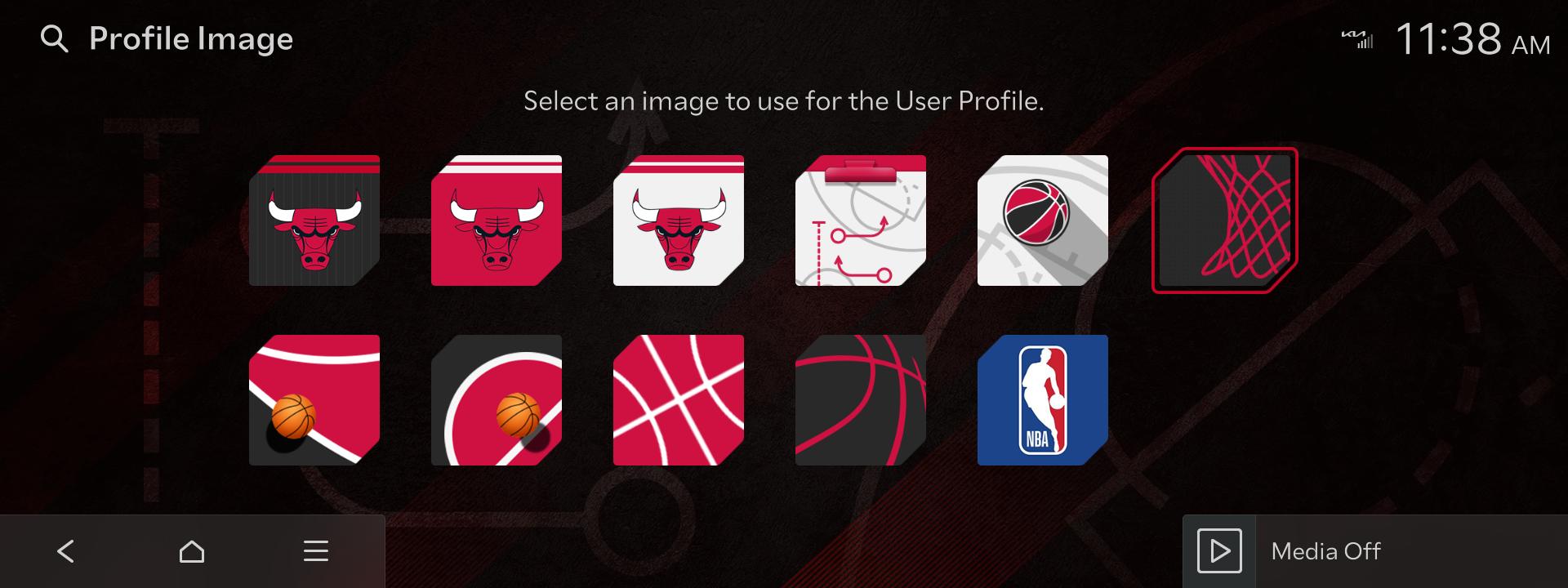
New Display Theme Settings Function Update
12-15-2025Views: 989
What's New
- A new Display Theme Settings function has been added.
- This feature allows you to purchase and set Cluster themes in your vehicle by going to [Settings] > [Screen Layout] > [Display Themes].
Important Information
- This Display Themes Settings menu has also been added to the Infotainment system. To ensure its normal, error-free use, installation of the latest version of the 2025 Infotainment software is required.
- Software distribution timing and availability may vary from vehicle to vehicle.
Feature Availability in Vehicles
- Vehicles with both ccNC Infotainment systems and 12.3-inch clusters support this new feature. Vehicles include: Sorento, Carnival, and K5.
- Display Themes can be purchased through Kia Connect Store, available in Kia Access App and Kia Owners Portal.
Disclaimer
- Distracted driving can result in the loss of vehicle control. When operating a vehicle, never use a vehicle system that takes your focus away from safe vehicle operation.
등록한 차량이 없습니다.
소유 차량을 등록한 후 리뷰를 작성할 수 있어요.
※ 보유 차량이 보이지 않는 경우, 마이기아 모바일 앱에서 보유 차량을 등록해주세요.
로그인 후, 리뷰 작성해주세요!
내 차량을 선택하고 하드웨어와 소프트웨어를 구분하여 업데이트 리뷰를 작성해보세요
하루에 3개 이상의 리뷰를 등록할 수 없습니다.
이미 등록된 게시글인지 확인해주세요.
리뷰를 작성할 수 없습니다.
이용 제한으로 인해 업데이트 리뷰 작성을 하실 수 없습니다.
Navigation Updater installation required
Installation of the latest version of Navigation Updater
is required. After installation, select the
'Download' button again to run automatically.