Other
2026 Website Service Renewal Notice
04-02-202612,058 views
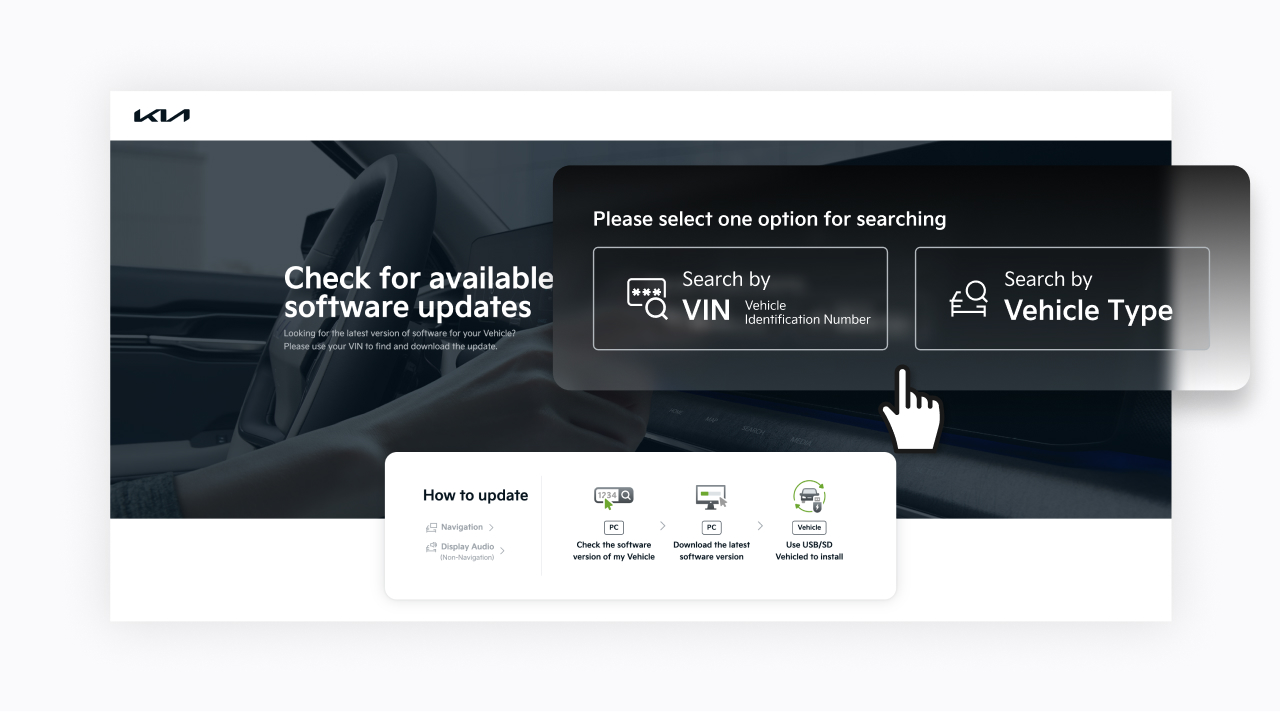
- Check for available software updates
Enter your VIN or select your vehicle model to find the latest software updates designed specifically for your vehicle.
- Quickly identify compatible updates and download them right away.
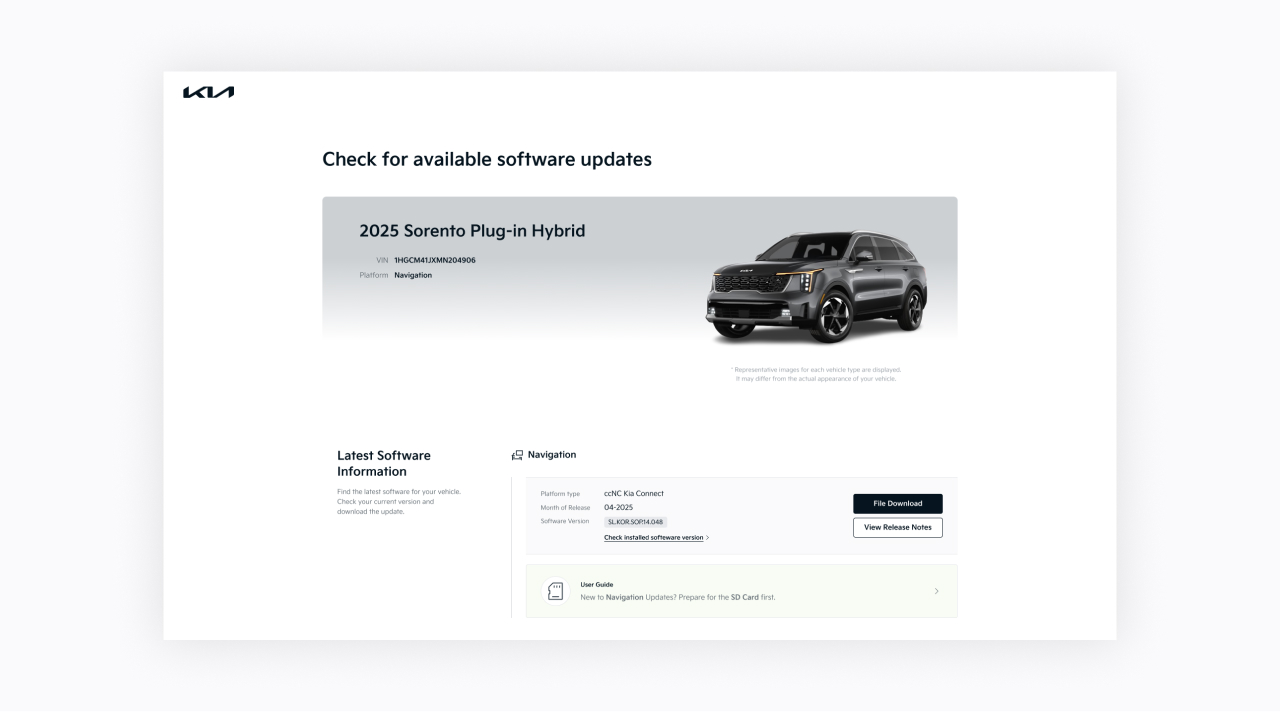
- On the results page, you can review the update details or start the download instantly.
- If this is your first time updating, follow our step-by-step guide created for your specific vehicle.
- Easy Downloads
We've improved our Navigation Updater to make downloading the latest updates even easier.
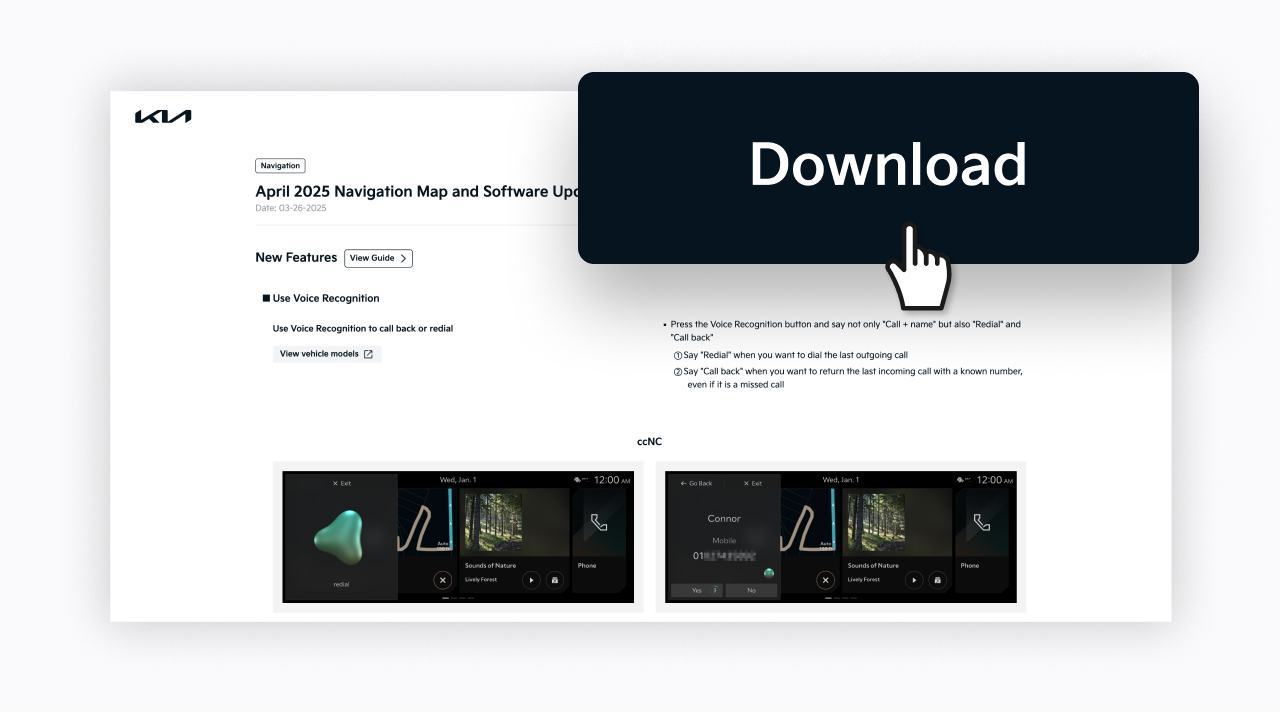
- Check the latest update information and download it with just a few clicks.
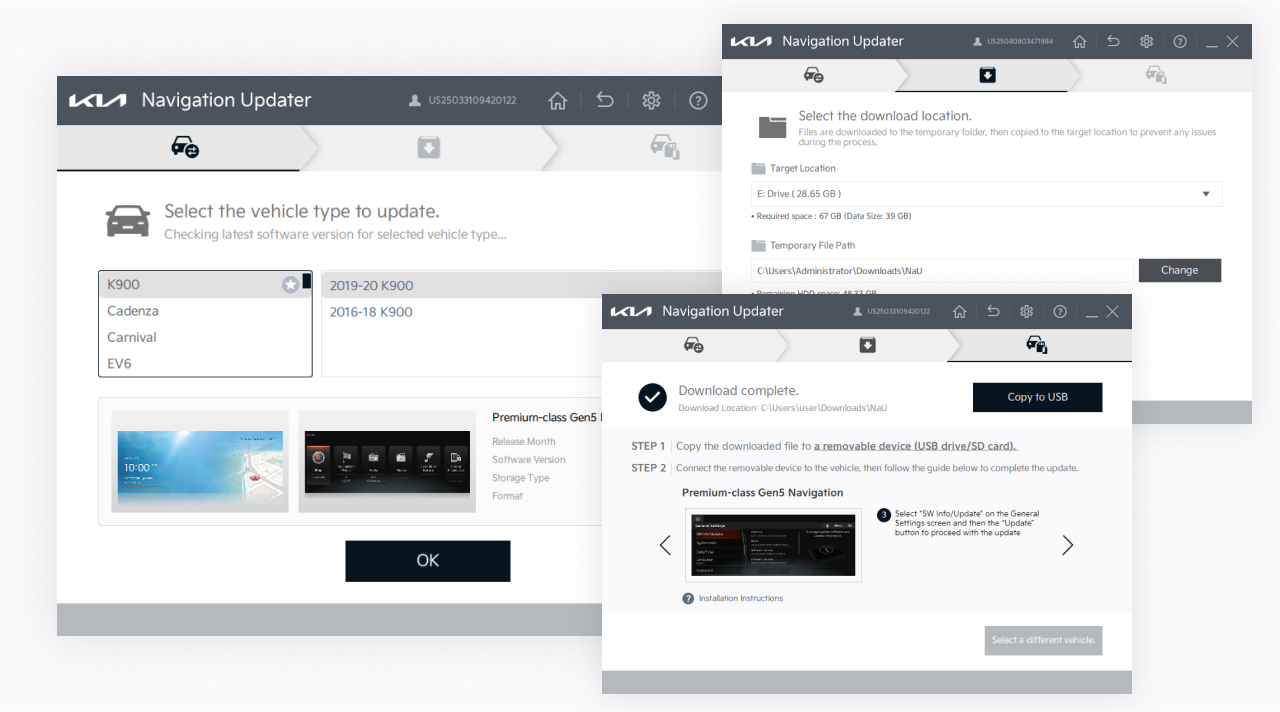
When you click the "Download" button, the Navigation Updater will automatically launch and guide you through downloading the correct files for your vehicle. - Downloading is now simpler than ever—with easy-to-understand instructions and a streamlined process.
- To get started, make sure you have the latest version of the Navigation Updater installed.
- Check the latest update information and download it with just a few clicks.
- What's New in the Latest Update
Stay informed with our newly redesigned update notifications.
- See what's included in each software update at a glance.
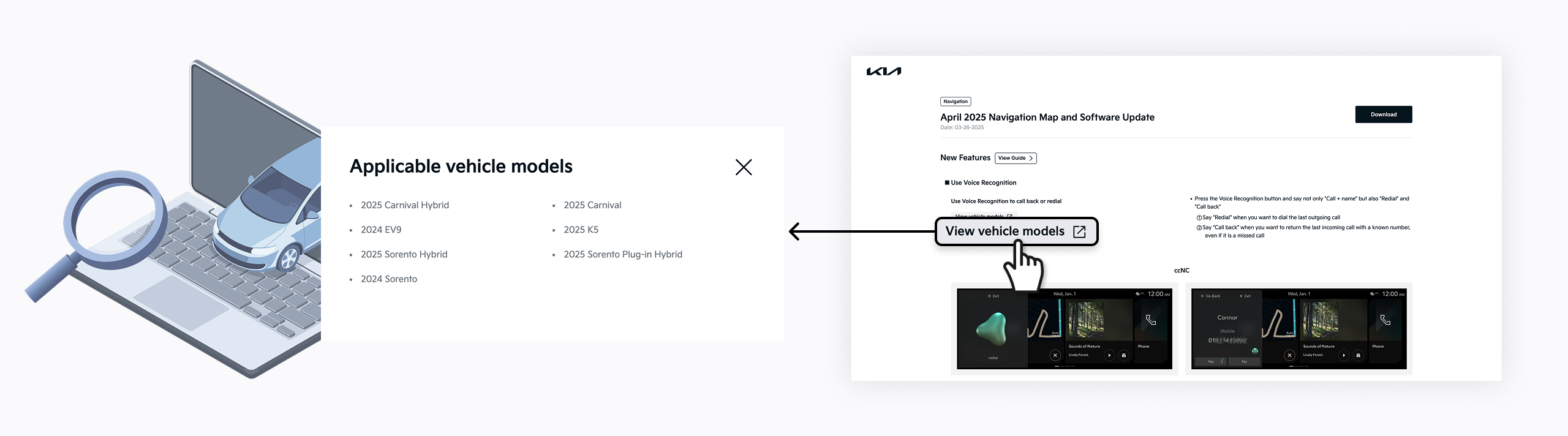
- Check which vehicle models are getting updates and what features have been improved.
등록한 차량이 없습니다.
소유 차량을 등록한 후 리뷰를 작성할 수 있어요.
※ 보유 차량이 보이지 않는 경우, 마이기아 모바일 앱에서 보유 차량을 등록해주세요.
로그인 후, 리뷰 작성해주세요!
내 차량을 선택하고 하드웨어와 소프트웨어를 구분하여 업데이트 리뷰를 작성해보세요
하루에 3개 이상의 리뷰를 등록할 수 없습니다.
이미 등록된 게시글인지 확인해주세요.
리뷰를 작성할 수 없습니다.
이용 제한으로 인해 업데이트 리뷰 작성을 하실 수 없습니다.
빌트인 캠 업데이트
아래 파일을 다운로드 받아,
USB 메모리 최상위 폴더에 복사해주세요.
Navigation Updater installation required
Installation of the latest version of Navigation Updater
is required. After installation, select the
'Download' button again to run automatically.